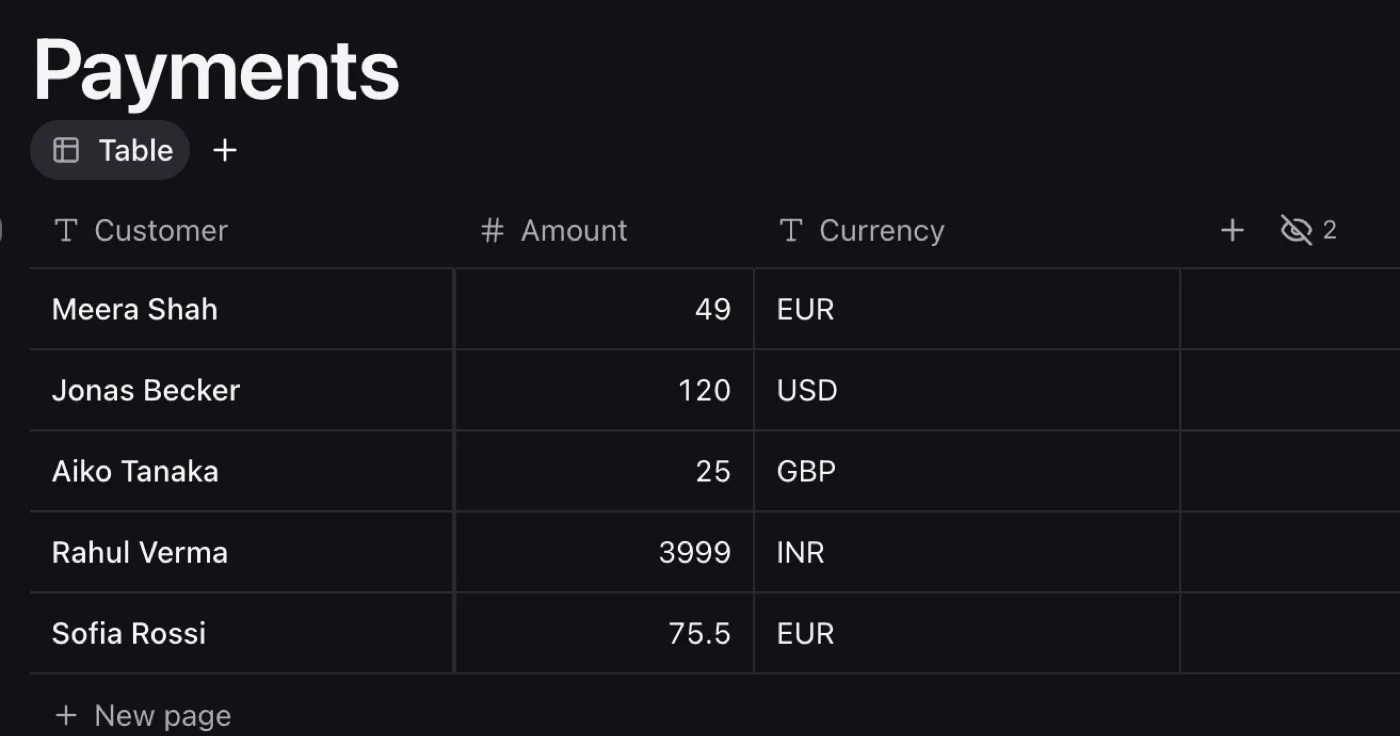
Every payment your payments app makes becomes a row in Kit, as it happens.
What it does
The plugin gets an address of its own. Your payments app (Stripe, Razorpay, a shop, a form) sends each payment there, and a row appears in Payments with the customer, the amount and the currency.
How to use it
- Add it with A new “Payments” database ticked, or to a Payments database you have, with Customer, Amount and Currency.
- Under Its address, press Copy, and paste the address where your other app asks for a webhook URL.
- Press Send a test to see a row arrive before any real payment does.
What it expects
{ "customer": "Meera Shah", "amount": 4900, "currency": "eur" }
The amount is in cents: 4900 is 49.00 EUR.
Good to know
- Keep the address private: anyone with it can add payments. Make a new address stops the old one at once.
- Anything that isn't a payment is refused, and your other app is told, so it can send it again.